Reclaim

Your Mac is not full. Your tools are messy.

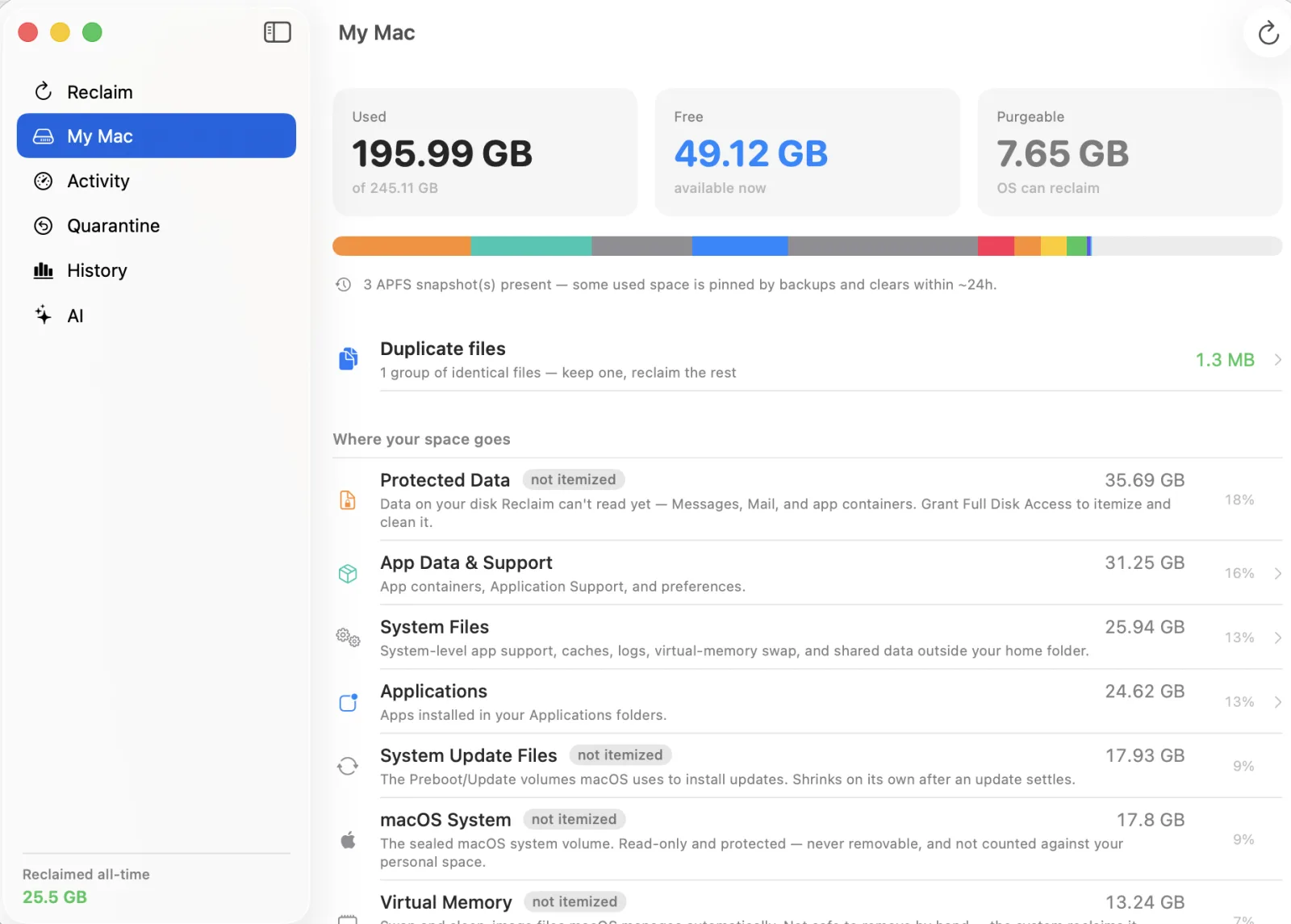
One scan

It knows your whole toolchain.

Reclaim recognizes what each app and tool leaves behind — then explains it.

Cursor Xcode Simulators npm · npx Docker Homebrew Playwright Ollama pip · conda Go · Rust · Gradle Chrome · Safari Adobe Slack · Discord Spotify Messages Orphaned apps Duplicates

Scroll to explore

Explain before acting

Every gigabyte,
explained.

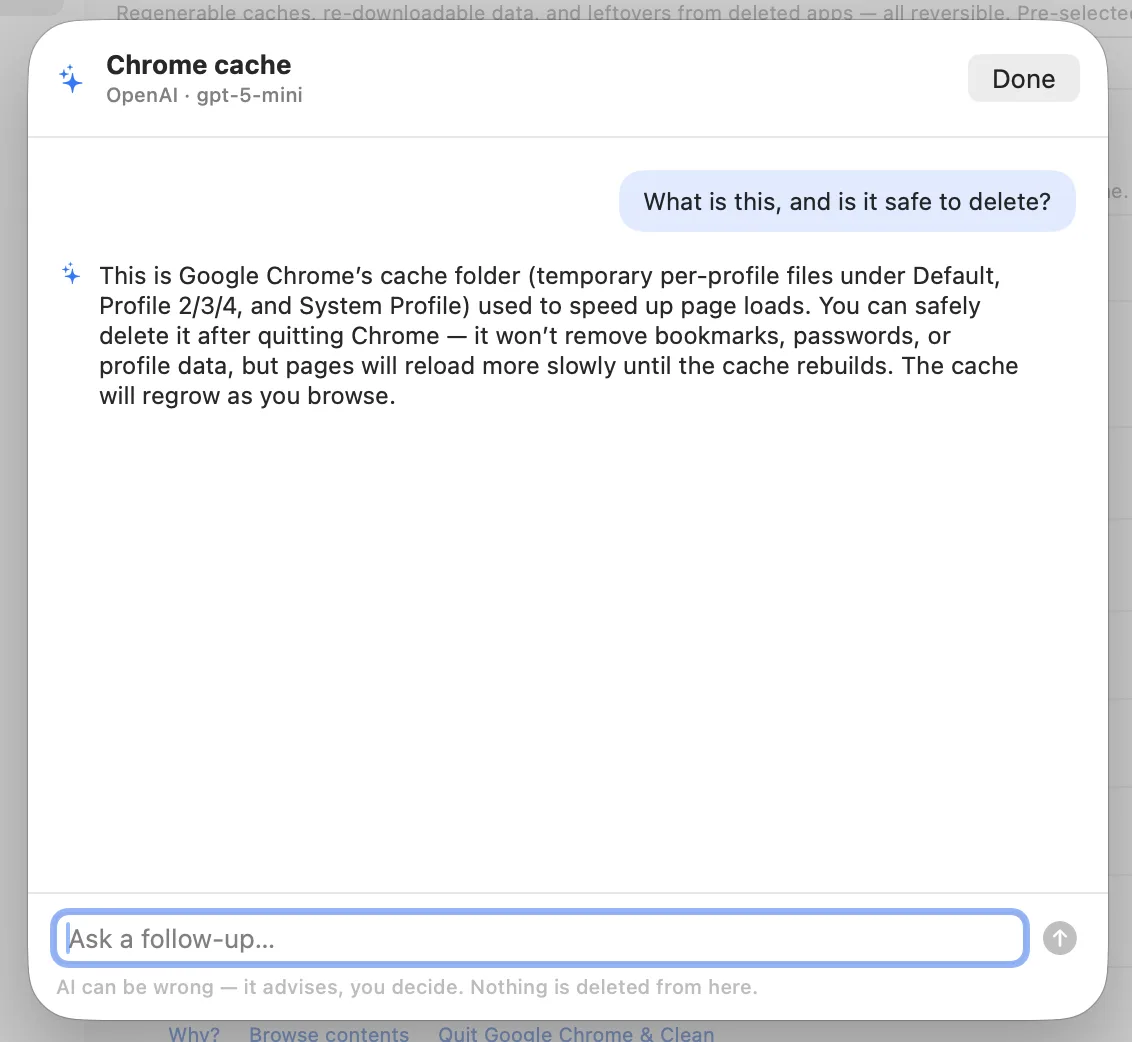
No black-box "one-click cleaner." Reclaim tells you what each finding is, why it's there, what deletion changes, whether it comes back — and how sure it is.

See a recommendation

Orphans

Leftovers from apps
you already deleted.

Learn more

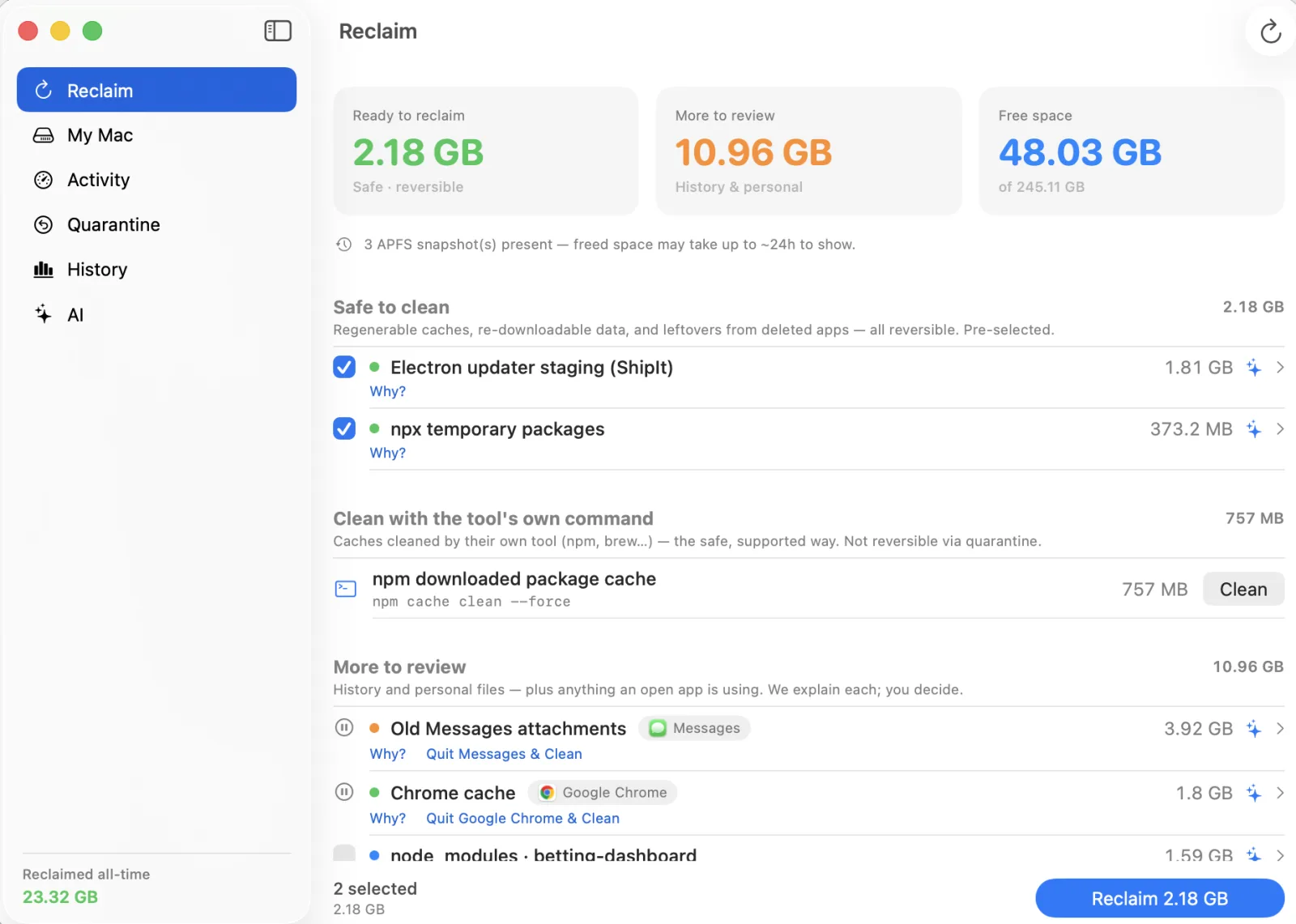
Review

"We think you might not
need these."

Learn more

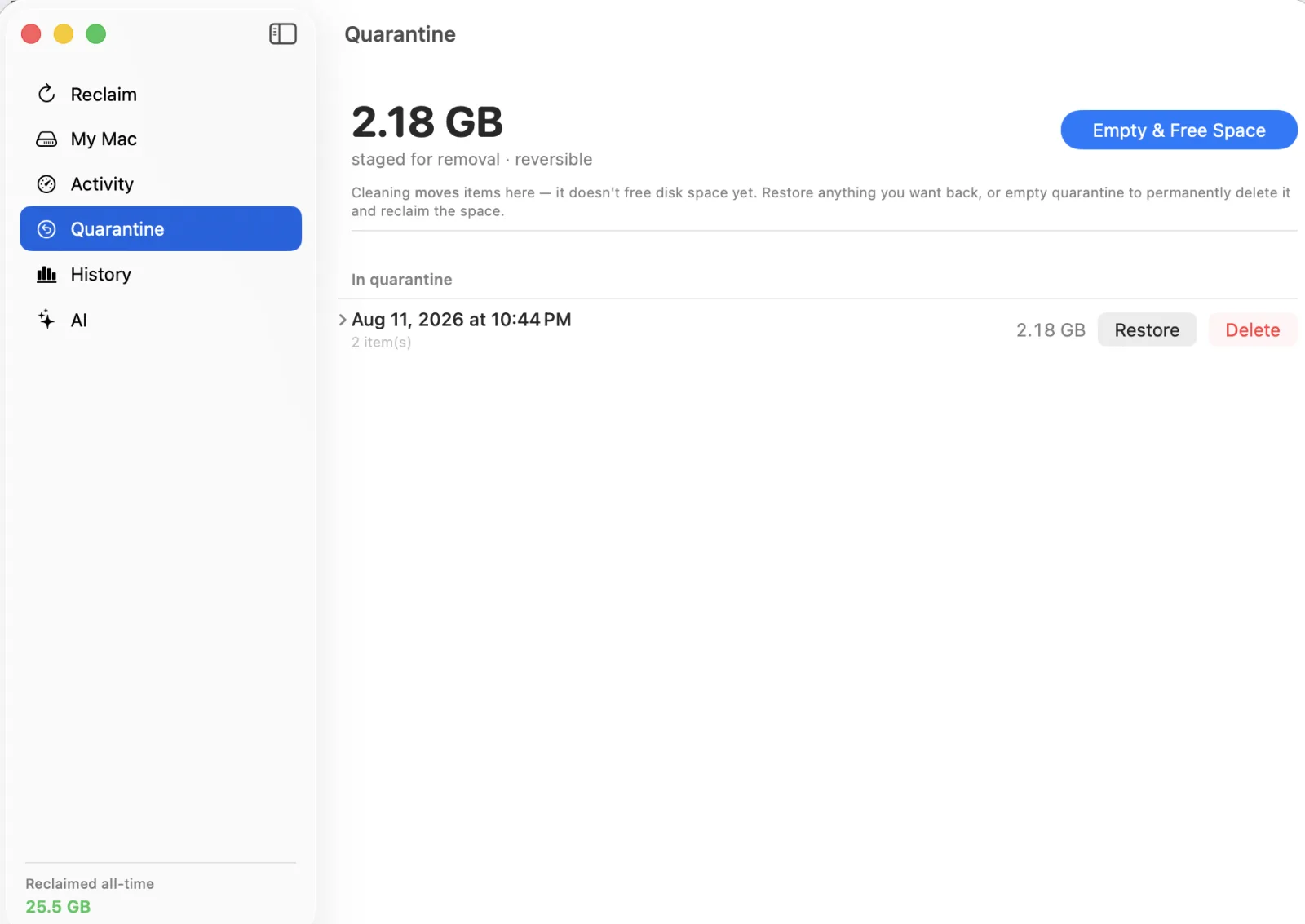
Reversible

Everything goes to a
quarantine you can undo.

Learn more
Proven

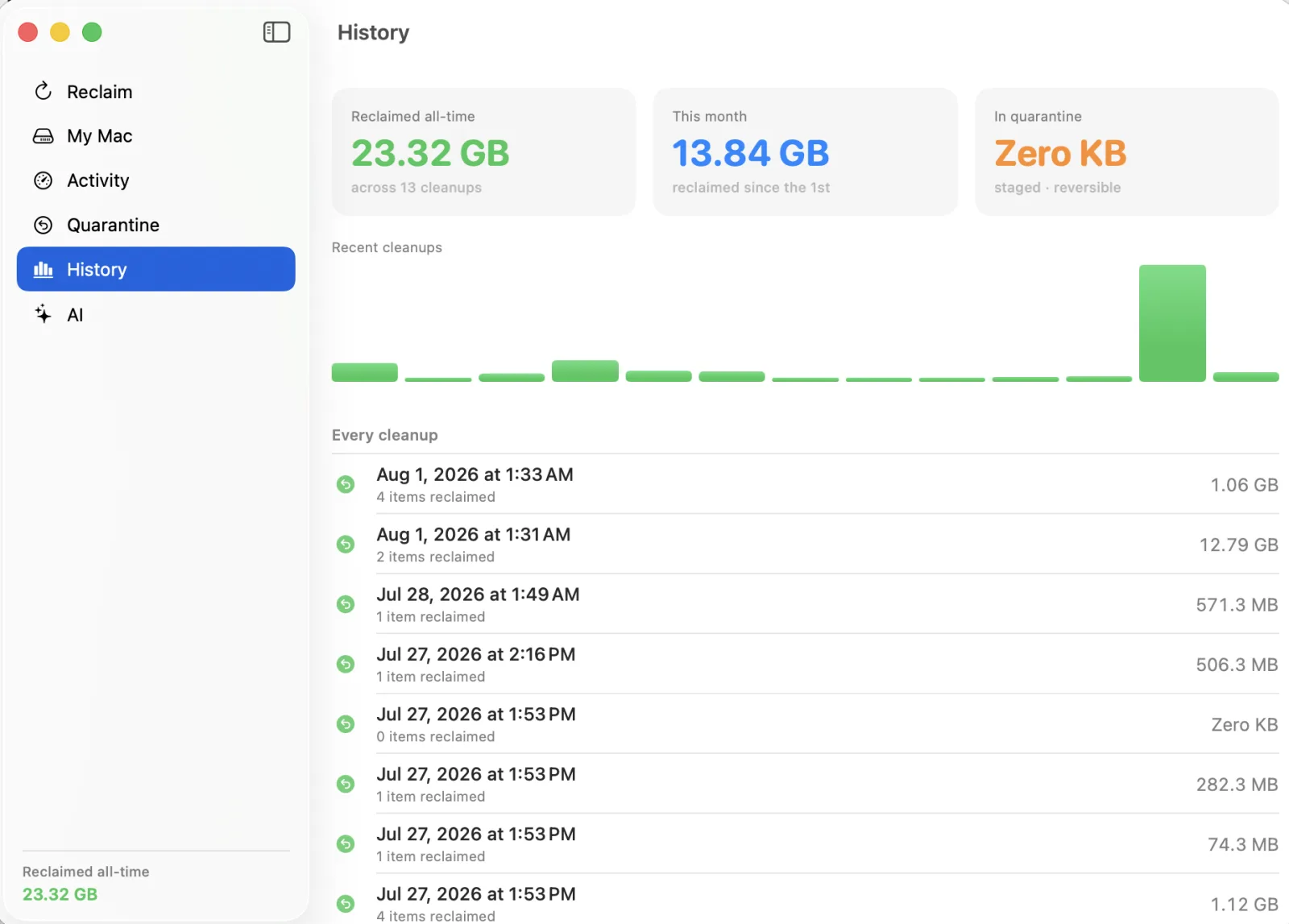
See the space you
actually got back.

Learn more
Trust is the product

Built to protect what matters.

Reclaim scans read-only, uses supported removal methods, and stops cold at anything macOS protects. Every finding lands in one of five clearly-labeled tiers.

Green — Regenerable

Caches, previews, staging. One-click, after checking the app is closed.

Blue — Reversible

Re-downloadable data and app leftovers. Quarantined with an undo window.

Yellow — History

Chat history, sessions, logs. Explained, then only removed if you choose.

Orange — Personal

Photos, messages, cloud-synced files. Never auto-deleted. Ever.

Red — Protected

System data and sealed assets. Reclaim reports them and leaves them alone.

From one real cleanup.

Reclaim was born from a live session that recovered 90+ GB — without deleting a single source file, photo, or piece of app history.

90+ GB
verified recovered
68
cleanup recipes and growing
0
source files or photos lost

Get Reclaim for Mac.

Free scan · Solo Pro $59/year · Native · Notarized by Apple

Download Reclaim See what it finds
  1. Run a free scan. Read-only. Reclaim never changes anything until you say so.
  2. See every finding explained — what it is, whether it's safe, and how much you'll get back.
  3. Recover with one click. Items go to a reversible quarantine, then a rescan proves the space.